
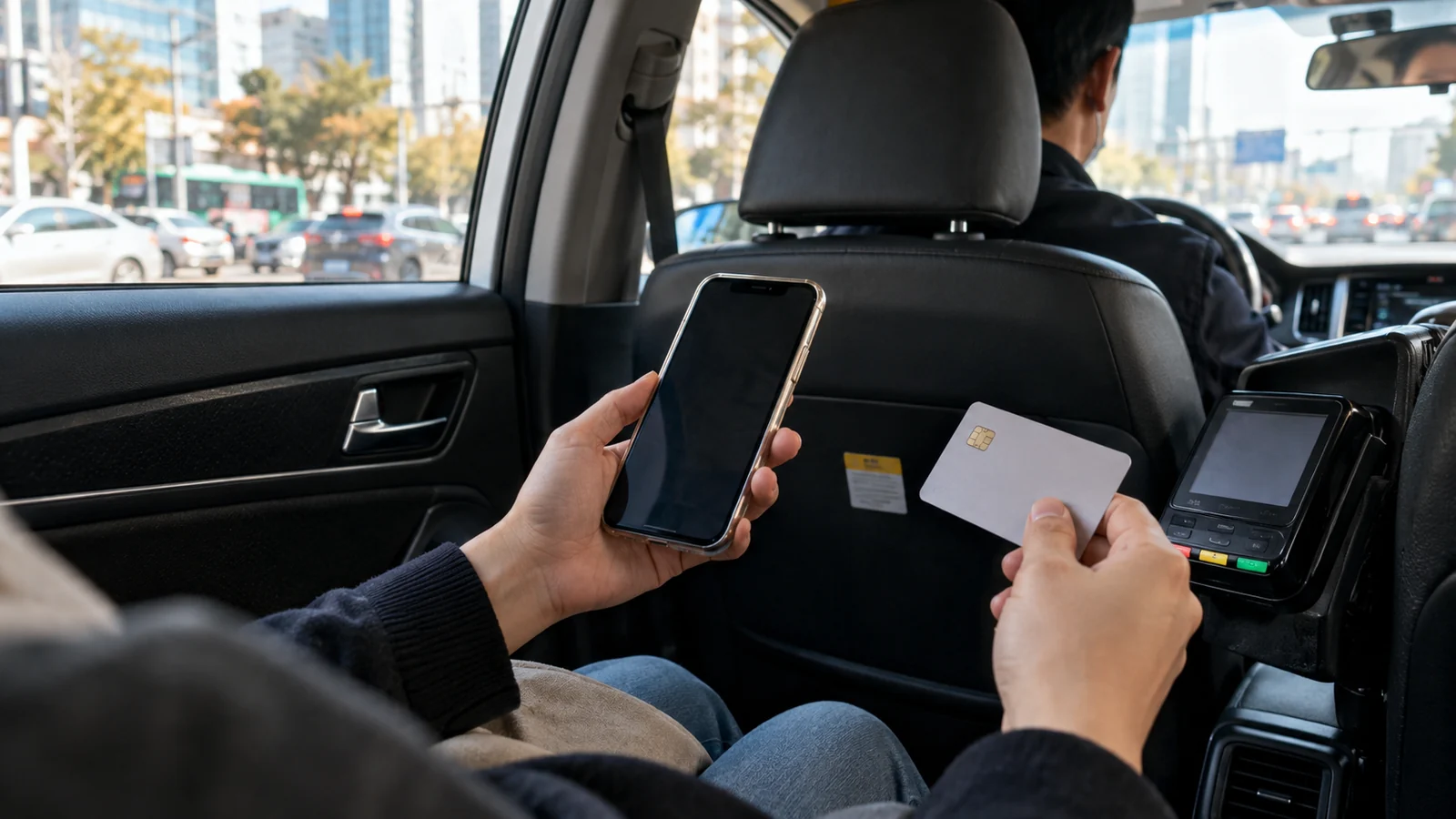
If you can use Kakao T but its card payment fails, check a general taxi call with payment directly to the driver. Kakao Mobility’s official payment FAQ allows this without registering a card. Automatic-payment-only taxi options still require a registered payment method. This choice does not fix a blocked login or account-verification screen.
Official guidance checked October 22, 2026. Follow the payment wording shown for your selected ride; menus can change.
Find the step that is actually failing
Use this decision table before downloading another app or buying a different SIM:
| What you can see | What to do next | Check before committing |
|---|---|---|
| You cannot sign in or complete verification | Resolve the account issue, or ask your accommodation about arranging a taxi | A payment setting cannot help until you can reach the call screen |
| The app works, but your card cannot be registered or approved | Check the general-call direct-payment option | Confirm that exact ride shows payment to the driver |
| A taxi request is waiting for a driver | Check the request’s current status before trying another service | Avoid leaving two live requests for the same journey |
| Your ride already uses automatic payment | Check its payment details before handing over cash or a card | Establish how this particular fare will be settled |
Save your hotel’s Korean address and the intended pickup entrance before setting out. The destination name, pickup pin and payment mode are three separate checks: a correctly entered card does not establish that the car is coming to the entrance where you are waiting.
For a short evening out, choose one Seoul neighbourhood around your main activity before comparing rides. That gives you a specific destination and return journey to price.
Foreign cards are supported, but Kakao Pay is a separate route
Kakao T’s card-registration FAQ lists overseas-issued Visa, Mastercard, JCB and American Express credit/debit cards for taxi use. Its Kakao Pay entry separately describes domestic-issued cards. A Korean-card prompt in one payment route does not establish that Kakao T rejects every foreign card.
Check the overseas-card category in payment-method settings. Keep a backup payment method: support for a card network is not a promise that your particular card will register or approve. Do not buy another prepaid card on the assumption that it will solve the same screen.
Before requesting: confirm who will collect the fare
Kakao’s taxi payment FAQ says that after an approval failure you can change to a usable card, or use a general call and pay directly. If you choose direct payment, you must settle the fare with the driver.
The Korea Tourism Organization’s taxi-app guide describes cash or card payment to Kakao T drivers. Carry the physical card if that is your plan, confirm acceptance before travel and have won as a fallback. An app-registration failure and a vehicle-terminal payment are different transactions; neither guarantees the result of the other.
Example: you can reach the taxi-call screen, but the card setup stops. Choose an eligible general call, verify direct payment on its confirmation screen, and plan to pay in the vehicle. If you switch to a different vehicle option, read its payment setting again before requesting it.
Before getting out: avoid paying the same fare twice
If you booked automatic payment and also paid the driver, Kakao’s duplicate-payment instructions say to ask the driver to cancel or skip the automatic payment. If you have already left, submit a duplicate-payment inquiry through the in-app customer center with the required original payment evidence. Keep receipts and unedited payment confirmations; processing is not an instant-refund promise.
For a direct-payment trip, ask for a receipt before leaving. The official receipt FAQ says those payment details are not readily available in Kakao T’s app history and require the driver or taxi operator. A useful record includes the time, amount and vehicle information, rather than just a screenshot of your destination.
When to consider k.ride
k.ride’s official site describes automatic credit/debit-card and mobile payment, a fare estimate before calling, and translated destination search and driver chat. It is another option to prepare before a trip if those features help you.
Prepare it as another automatic-payment option. Check that you can complete its setup and use an accepted payment method before relying on it. Compare the displayed vehicle category, estimate and any fees for the same pickup and destination. This guide does not establish that either app is always cheaper or that a driver will be available.
For arrival planning, check your eSIM’s data, voice and SMS features separately from taxi payment. If your first journey is from the airport, compare the Myeongdong bus and AREX options before relying on a taxi request made after landing.