
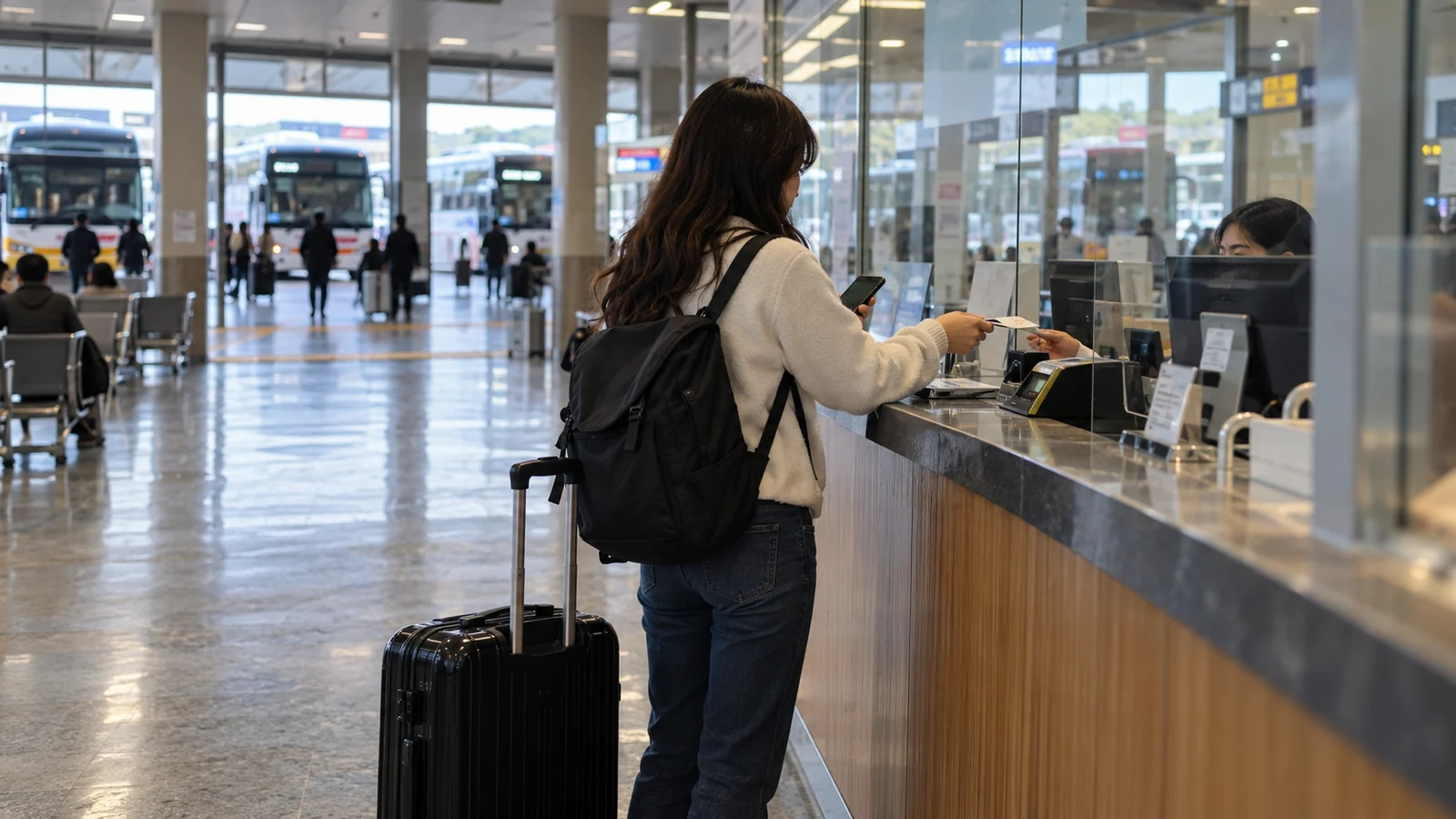
If your foreign card fails while booking a Korean bus, check another purchase route before trying the payment again. Compare Klook for a listed express-bus departure, GoHanpass for express or intercity buses, and the departure terminal’s ticket counter. First match the exact terminals; a city name alone can send you to the wrong bus station.
The Korea Tourism Organization’s transport payment chart lists foreign-card support for these online bus services and terminal ticket purchases. Its bus guide links the visitor-facing services. Official guidance checked October 22, 2026. Card support does not guarantee approval of every card or availability of every route. We checked the published guidance, not a completed purchase.
Pick a purchase route before trying another card
| Your situation | A useful next step | Check before paying |
|---|---|---|
| Your express-bus departure appears on Klook | Compare that departure’s ticket and payment options | Both terminal names, date, seat class and final total |
| You need an intercity route or another visitor booking option | Open the tourist service GoHanpass | Route availability, account requirements and payment steps |
| Online payment or verification stops you | Visit the staffed counter at your departure terminal | Remaining seats, accepted payment and the return journey |
For a fixed itinerary, make this check while you still have alternatives. Waiting until departure time turns a solvable booking problem into a much narrower choice.
1. Klook: search the exact express-bus terminals
Start at Klook’s Korea bus search. Enter the departure and arrival stations, travel date and passenger details. Compare the actual available departure, rather than a route’s advertised starting price.
Klook’s bus page describes QR-code tickets for boarding and offers several payment methods and currencies. Read the instructions attached to your issued ticket. A search result, basket or payment-screen screenshot is not a boarding document.
If a route is missing, avoid jumping straight to “all buses are sold out.” Klook’s bus search is a place to buy the departures it offers; it does not establish the status of every possible intercity service. Check the other purchase route and the departure terminal before abandoning the trip.
For Seoul–Busan, also compare the full journey with KTX versus the express bus. A ticket arriving at a distant terminal can add a local journey that changes your choice.
2. GoHanpass: choose the service for short-term visitors
Open GoHanpass on your phone. Its English FAQ distinguishes GoHanpass for short-term visitors from Hanpass for foreign residents. That distinction matters if you have been following older advice to download “Hanpass.”
The FAQ says express- and intercity-bus reservations are available through its app and mobile web. Payment features require an account. The operator’s introduction describes passport-and-email signup and foreign-card wallet top-ups.
Review the route and payment flow before deciding to fund a wallet. A wallet balance and an issued bus ticket are different things. Check any displayed fees and refund conditions, and keep the bus confirmation where you can retrieve it. We have not verified every overseas phone-number format or completed this service’s identity and payment process.
A desktop visit may show a mobile-access or app QR page. Use the operator’s phone-facing route; do not conclude from the desktop screen that the bus itself is unavailable.
3. The terminal counter: a practical fallback
KTO’s payment chart lists foreign-issued credit cards for express/intercity ticket machines and counters. If a machine or online form rejects your payment, a staffed counter lets you explain the exact journey. Bring your physical card and a cash backup; an individual payment can still fail.
Prepare a note with destination terminal, travel date, preferred time, passenger count and an acceptable later departure. For example:
내일 속초 가는 버스표 두 장 주세요.
Two bus tickets to Sokcho for tomorrow, please.
Add the exact terminal name and time to that example. Staff can only sell what is available; arriving at the counter does not reserve a seat in advance. Check the return trip while you are planning the outward one. Our Korean transit phrases can help you ask about the platform and last service.
What a failed screen actually tells you
| What happened | What to verify next |
|---|---|
| The destination never appears | Check spelling, terminal name and express versus intercity service. This is not yet a card rejection. |
| You can see a timetable but cannot pay | Read the site’s current payment notice; viewing a schedule does not prove checkout is available. |
| A required account or identity step blocks you | Check whether you opened the resident or visitor service. Use your own details and ask the service for help if the required verification does not fit your situation. |
| Payment failed after you submitted it | Check the seller’s booking history and confirmation before buying again. If a charge appears without a ticket, ask the seller to establish the booking status. |
There is a useful warning in TxBus’s own pages: its payment-interruption notice says the English homepage can be used for schedule searches and existing-ticket checks while payment is unavailable, and directs visitors to Hanpass. Its separate general reservation guide still describes web purchases. The notice remains accessible; that alone does not prove a blanket current outage for every route or card. If you encounter that restriction, use one of the alternatives above instead of treating the timetable as proof you can buy there.
Check the ticket and the final stop together
Before setting off, match the departure terminal, destination terminal, date, departure time and passenger count against your confirmation. Follow its boarding instructions: some bookings use a QR ticket, while others require collection at the terminal. Keep enough time for that step and for finding the platform.
A useful travel note has two addresses: the bus terminal on the ticket and the place you actually want to visit. For a regional sightseeing trip, our K-drama filming-location guide shows why the final local connection matters even after the intercity ticket is sorted.
The decision is straightforward: find the correct departure, choose a supported purchase route, confirm that the ticket was issued, then plan the last local leg. Repeatedly trying a card cannot fix a wrong terminal, missing route or unfinished booking.