
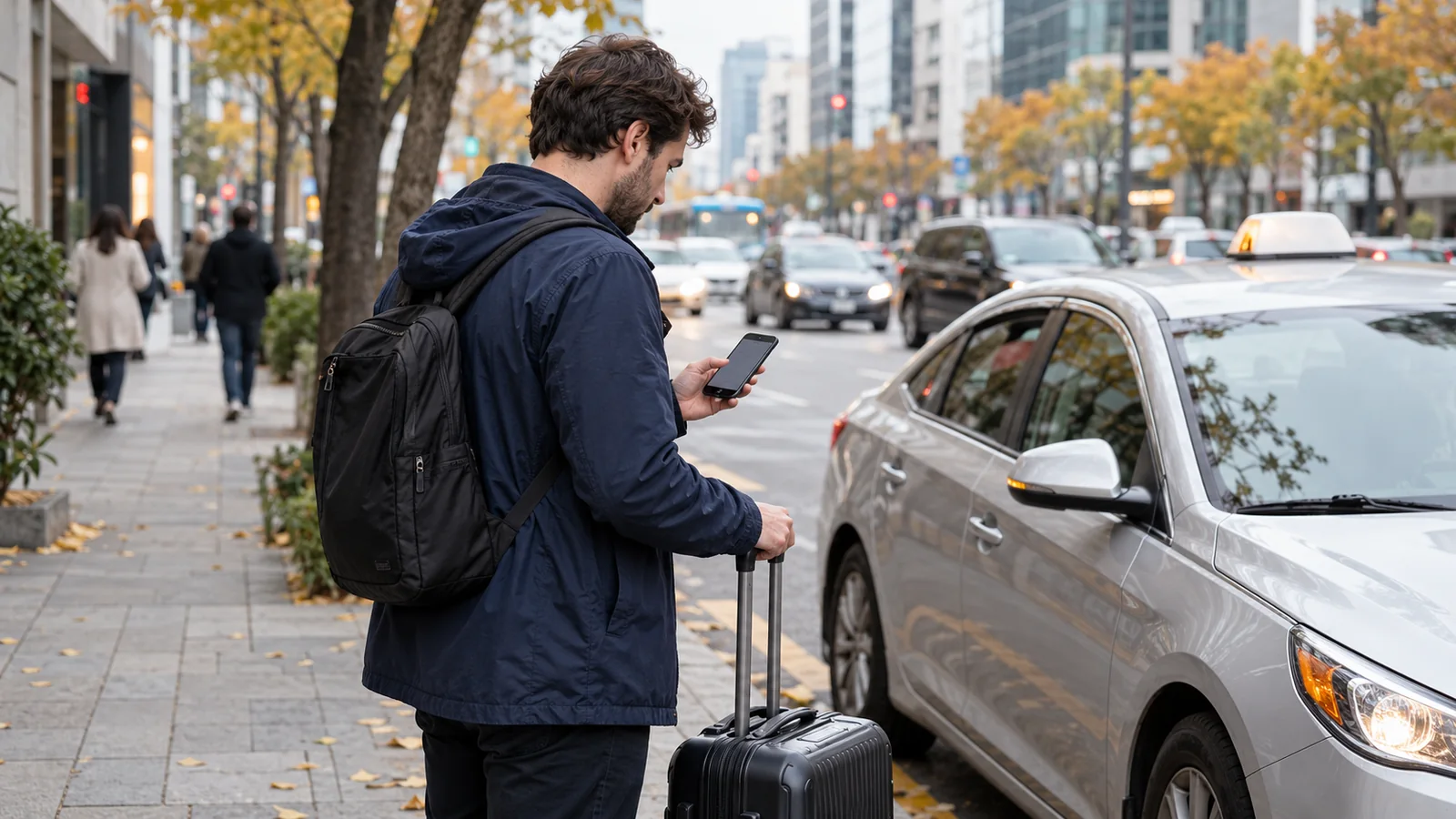
If Naver Map cannot find your hotel by its English name, try the property’s exact Korean road address, then match the hotel entry before starting directions. A building result can contain several businesses: in our desktop check, one central Seoul address listed a hotel, its buffet, another restaurant and a café. Choosing the address is the first step; confirming your destination and entrance comes next.
This guide combines NAVER’s address-search guidance with two desktop searches checked October 23, 2026. It is a search-recovery checklist, not a claim that English search always fails. Menu labels and result order can differ on your phone.
Start with the problem you actually see
| What happens | Next useful action | Check before you travel |
|---|---|---|
| The English hotel name produces no useful match | Copy the Korean name or road address from the property’s own directions or your booking confirmation | City, district, road and building number |
| Several similar hotel names appear | Compare the complete property or branch name with your reservation | A familiar brand name alone is insufficient |
| The address appears, with several businesses underneath | Open the hotel’s own entry | Category, full name and address; a restaurant can occupy the same building |
| The correct building appears, but the arrival point is unclear | Ask the property which guest entrance or taxi drop-off to use | Entrance instructions, particularly for a large complex or late arrival |
Keep your reservation open beside the map. Avoid copying an entire confirmation email into search: separate the destination address from your name, room details and booking reference.
Copy an address you can verify
Look for 주소 (address) or 오시는 길 (directions) on the accommodation’s website. If your confirmation has only an English address, ask the property for its Korean road address and a map link. Copying the original Korean spelling avoids having to guess how a hotel name or road should be transliterated.
For an initial address search, use the city and district together with the road name and building number. For example:
서울 중구 삼일대로 362
In that example, 서울 identifies Seoul, 중구 identifies Jung-gu, and 삼일대로 362 identifies the road and building number. Keep any floor, unit or entrance instructions separately for arrival. A floor number is not a replacement for the building number.
NAVER says its road-address results use information collected from the Ministry of the Interior and Safety’s road-name-address system. If the address itself seems inconsistent, compare it with the official road-name-address service and the property’s instructions before reporting a map error. An address record establishes a location; it does not confirm that your accommodation currently operates there.
Two searches that show why the details matter
We entered these Korean addresses in NAVER Map’s desktop search without signing in. These are examples of the returned address panels, not hotel recommendations or room-availability checks.
| Address entered | Building label shown in the address panel | Detail to match |
|---|---|---|
| 서울 중구 삼일대로 362 | 롯데시티호텔 명동 | 삼일대로 + 362 |
| 서울 중구 을지로 30 | 롯데호텔 | 을지로 + 30 |
Both are central Seoul addresses containing “Lotte” in the displayed building name. They are different destinations. Compare the road and building number together with your reservation instead of selecting a result simply because the brand looks familiar.
The Samil-daero result also displayed 이 주소의 장소—places at this address—with eight entries at the time of our check. The visible choices included the hotel, its buffet, a restaurant and a café. Open the entry matching your booked property; arriving at the right building does not necessarily put you at the hotel reception.
If your reservation’s name and the current listing differ, ask the property to confirm the listing and entrance. Do not infer that a similarly named business is the same accommodation.
English menus and destination checks
NAVER documents multilingual support through the phone’s system language or the Map app’s language settings. You can use the language you understand while keeping the Korean destination text available for comparison or showing it to someone.
Once you have the correct place, check the starting point, travel mode and arrival point before accepting a route. When planning from home, enter your arrival station or airport explicitly. A route starting from your current location will answer a different question.
With a suitcase, examine the final walk and entrance as well as the train or bus journey. Our Korean transit phrases include questions for the correct exit and elevator. The Seoul hotel-area comparison helps with the earlier decision of where to stay.
Save this destination note before leaving Wi-Fi
Keep these details together in a phone note or screenshot you can open locally:
- Property: full name, including the branch.
- Korean address: city, district, road and building number.
- Arrival: guest entrance, floor and any late check-in instructions supplied by the property.
- Map: the confirmed place link or a screenshot of its name and address.
You can show the note and say 이 주소로 가 주세요—“Please go to this address.” Confirm the destination with the driver before setting off. Keep payment choice separate; our Kakao T payment guide explains the difference between an app payment method and paying the driver.
Saving a screenshot does not establish that live directions will work without data. It gives you the destination details to consult or show if your connection fails. If the name, address or entrance still does not match, resolve that with the accommodation before paying for the journey.